Getting Started
Getting Started
Ready to row? Follow these simple steps to get SplitRowr up and running.
1. Installation
Download SplitRowr from the Apple App Store. ensure your iPhone is updated to the latest iOS version for the best experience.
2. Initial Setup
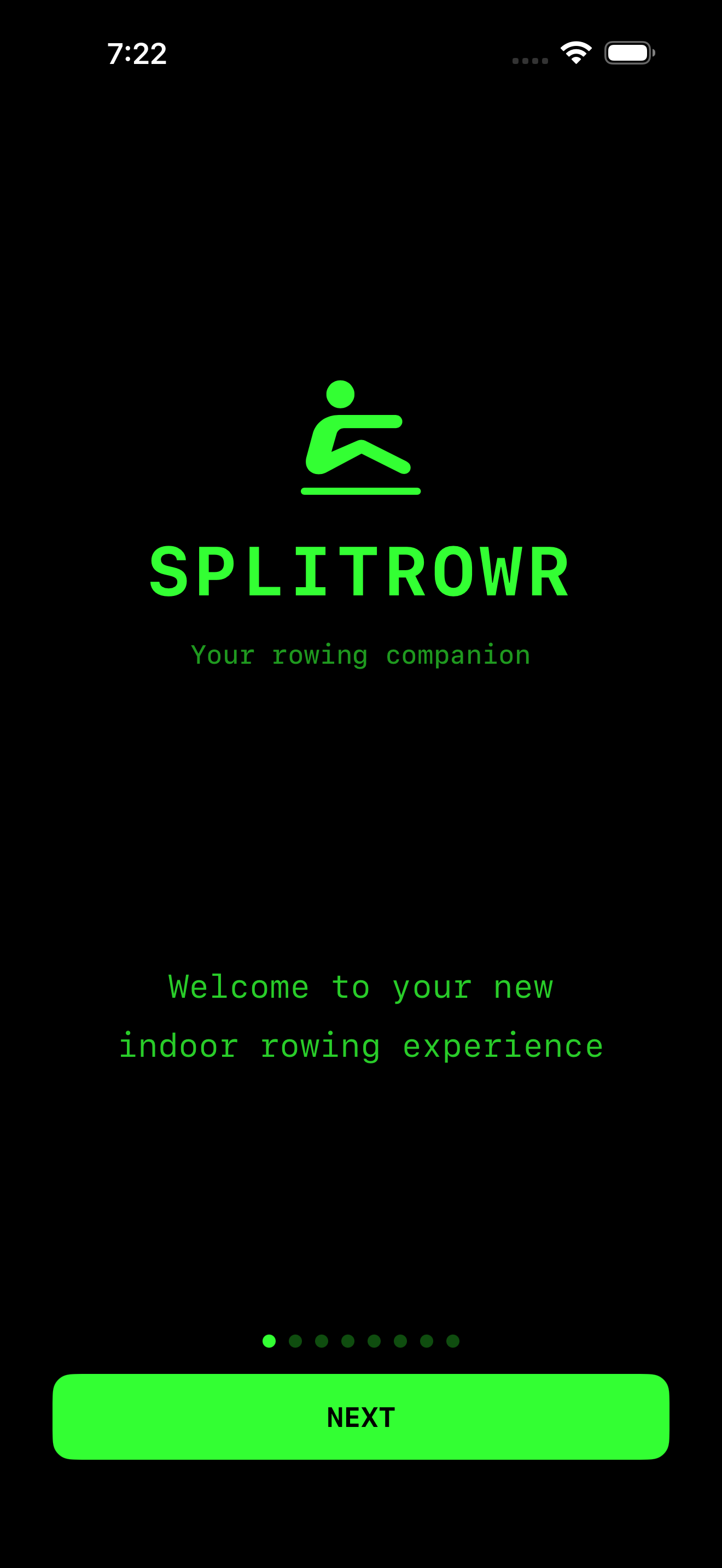
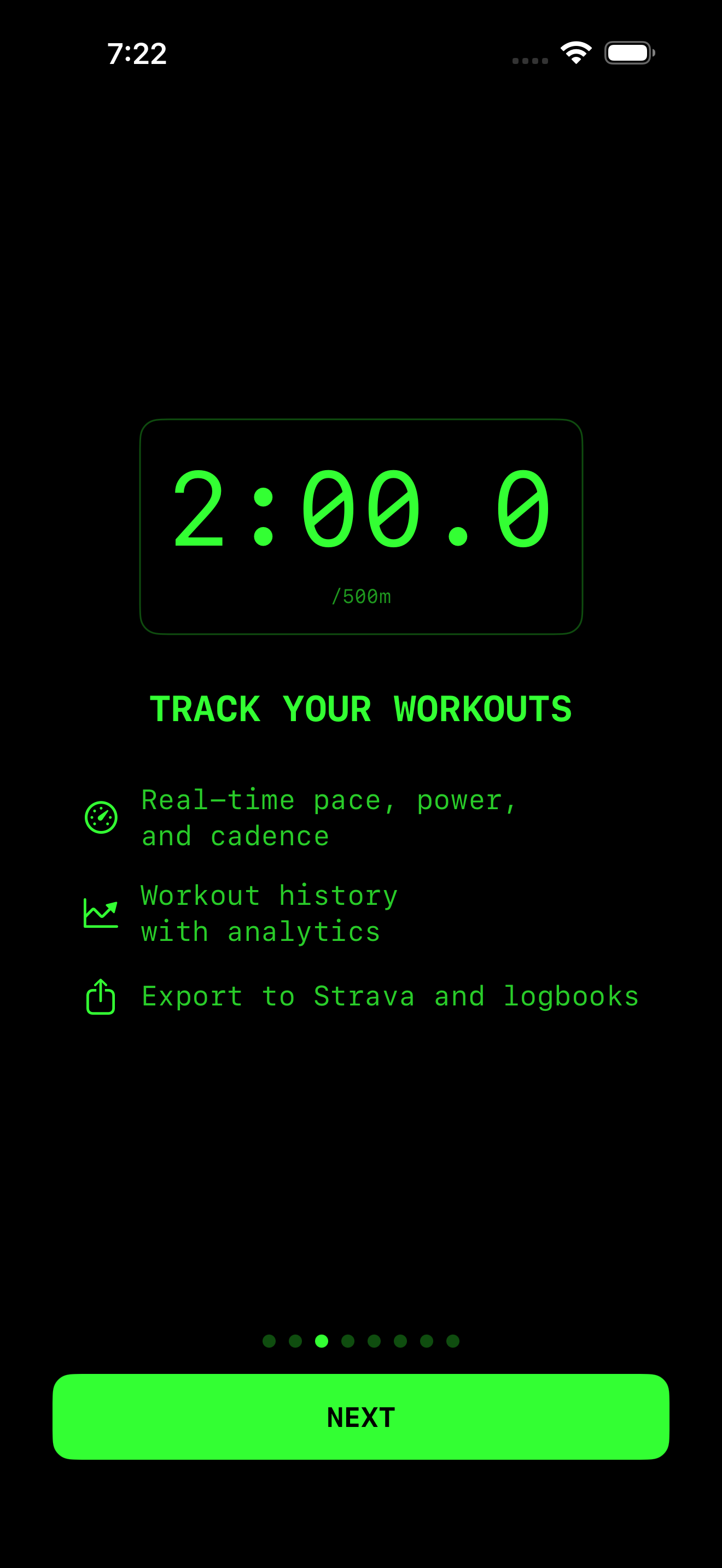
When you open the app for the first time, you will be guided through a quick onboarding process:
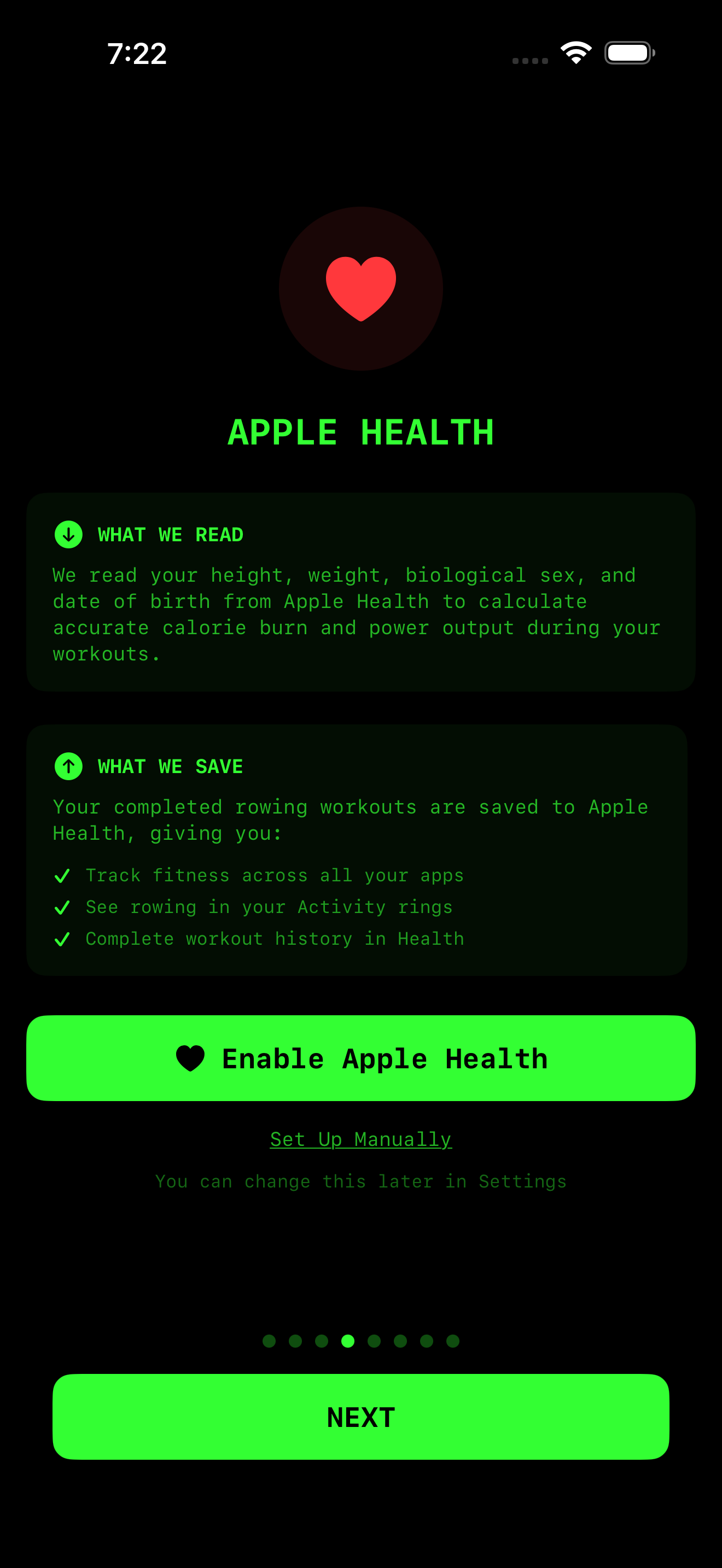
HealthKit Permissions
SplitRowr integrates deeply with Apple Health. We ask for permission to:
- Read: Your biological sex, height, and body mass. This helps us calculate accurate calorie burn.
- Write: Workouts, active energy, and heart rate data. This lets your rows count towards your Activity Rings.
Note: You can manage these permissions at any time in your iPhone’s Settings > Health > Data Access & Devices > SplitRowr.
User Profile & Experience
To ensure your calorie counts and performance benchmarks are accurate, SplitRowr will ask for:
- Biometrics: Height, Weight, Age, and Sex (pulled from HealthKit if enabled).
- Experience Level: Your rowing background (Beginner, Intermediate, Advanced).
Important: We use this to intelligently calibrate your specific rowing machine. A “Beginner” using a budget magnetic rower needs a different calibration factor than an “Advanced” rower on the same machine to match the Concept2 standard.
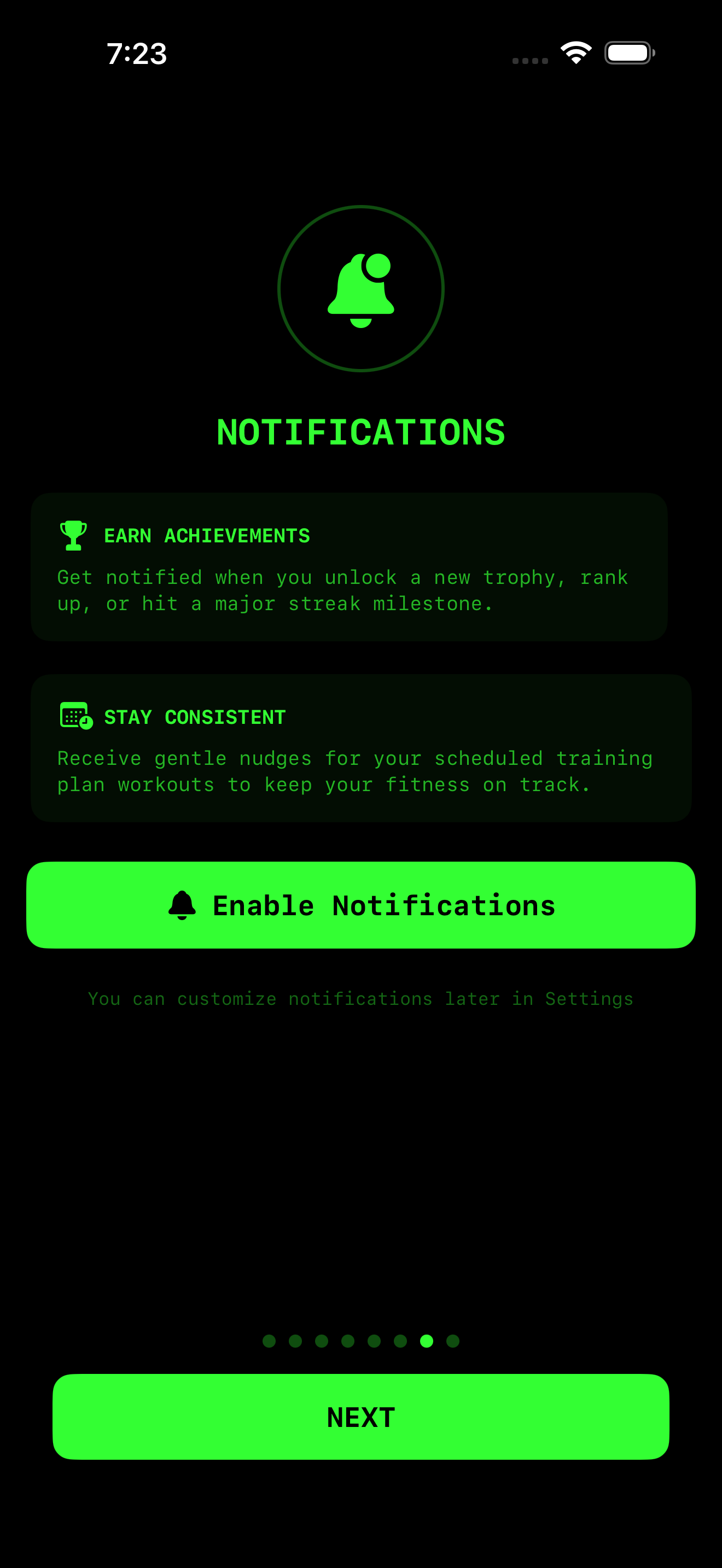
Notifications
We recommend enabling notifications to receive:
- Workout summaries.
- Achievement unlocks.
- Reminders to keep your streak alive.
3. Your First Connection
- Wake up your rowing machine’s monitor (e.g., press a button on the PM5).
- Enable Bluetooth on your iPhone.
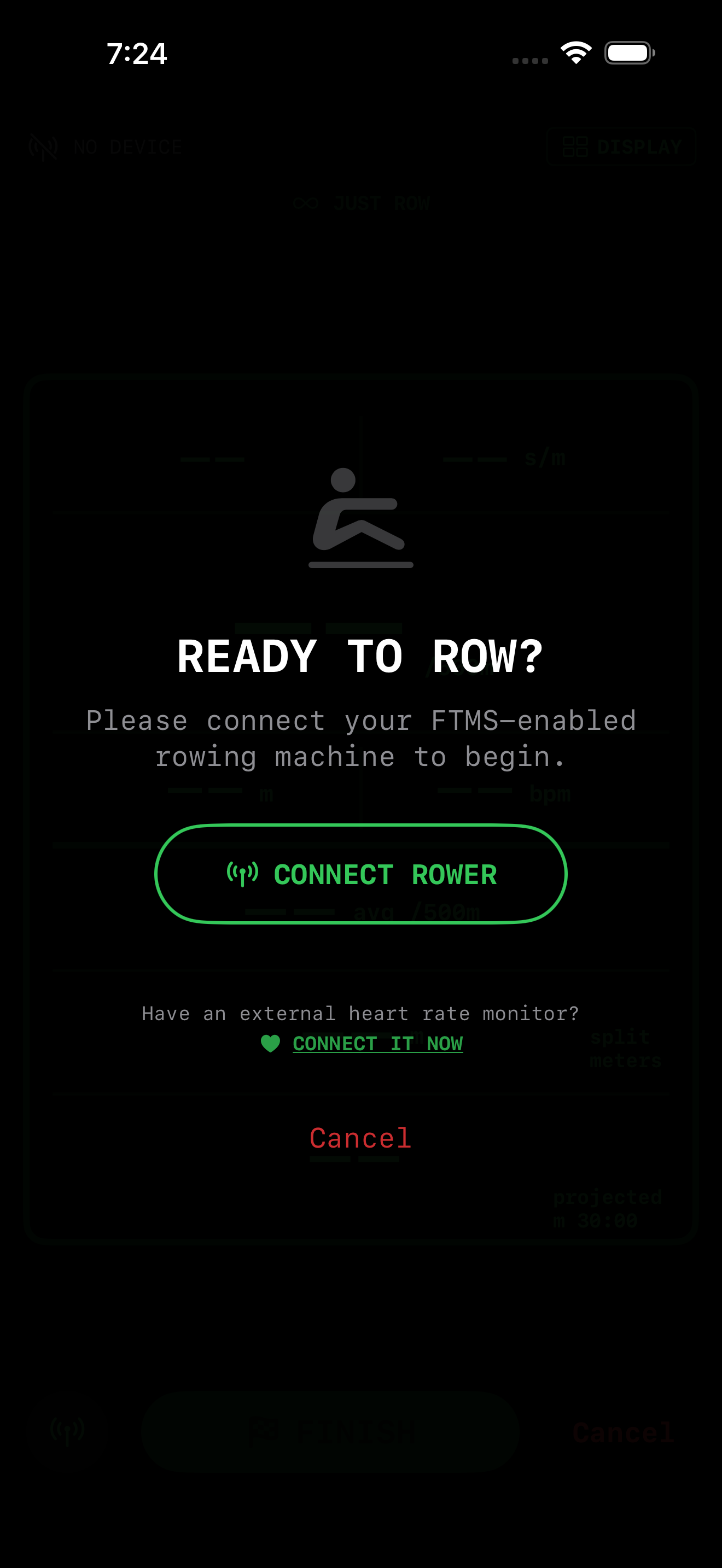
- In SplitRowr, tap the Bluetooth Icon in the top right corner.
- Select your rower from the list of discovered devices.
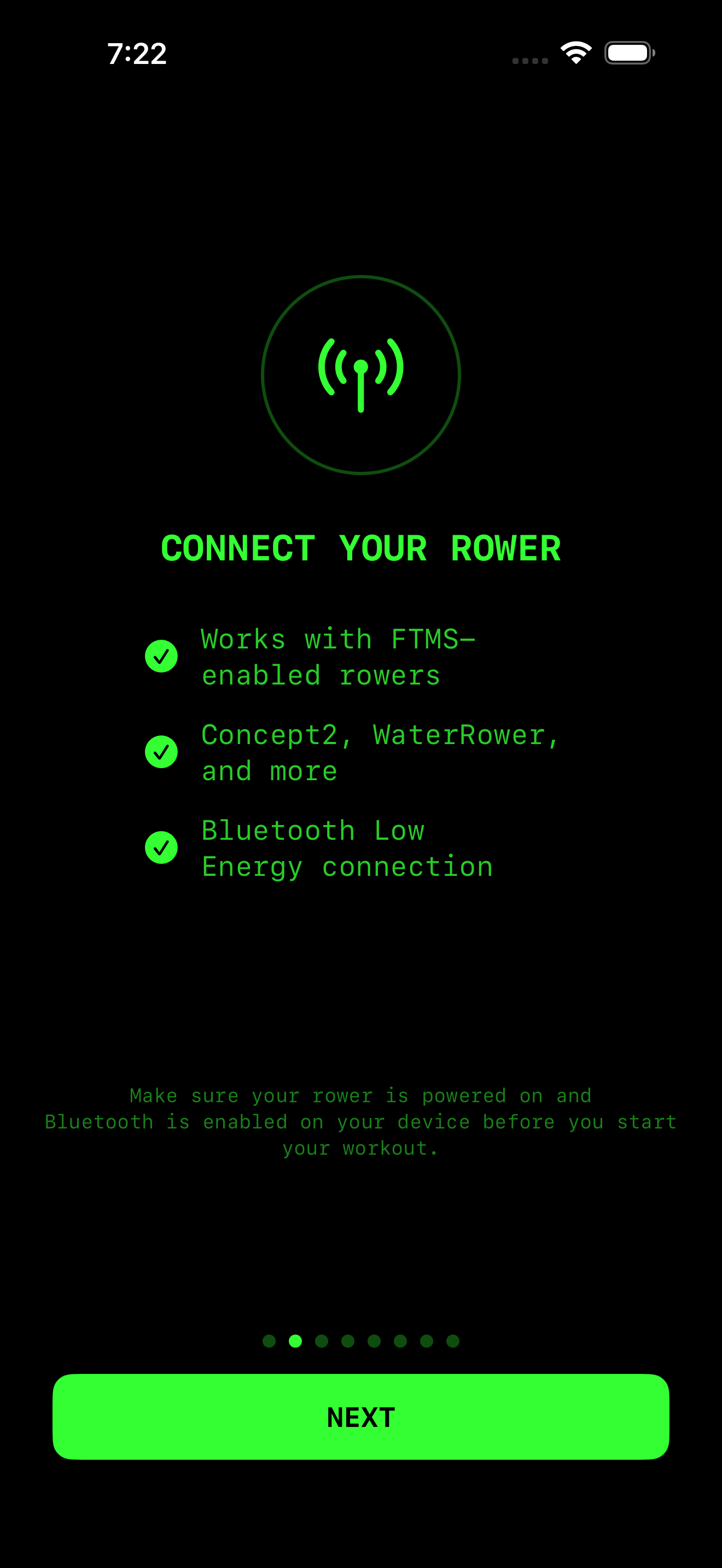
- Once connected, the main dashboard will light up with your rower’s data.
Tip: Use the “Demo Mode” in Settings if you want to explore the app features without being seated at a machine. Demo Mode now includes full support for mobility routines, allowing you to practice warmup and cooldown stretches with timers.